

FEATURE
Digital Dentistry Begins, Lilivis
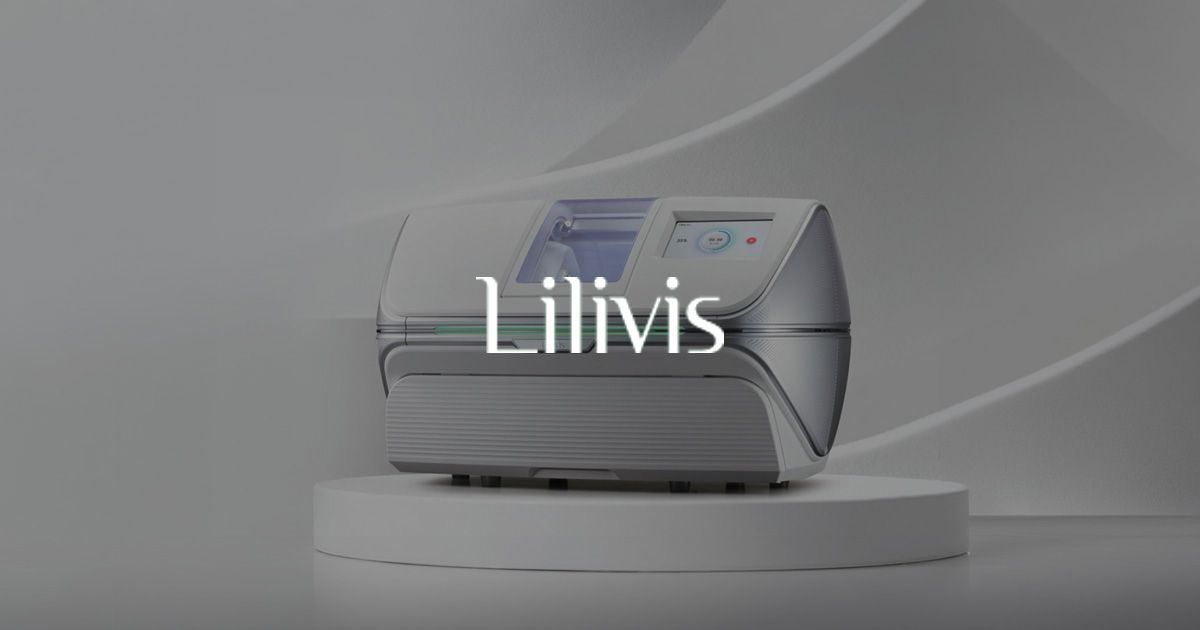
Lilivis perfects its ecosystem by integrating in-house-developed
cutting-edge products and software into a comprehensive workflow.
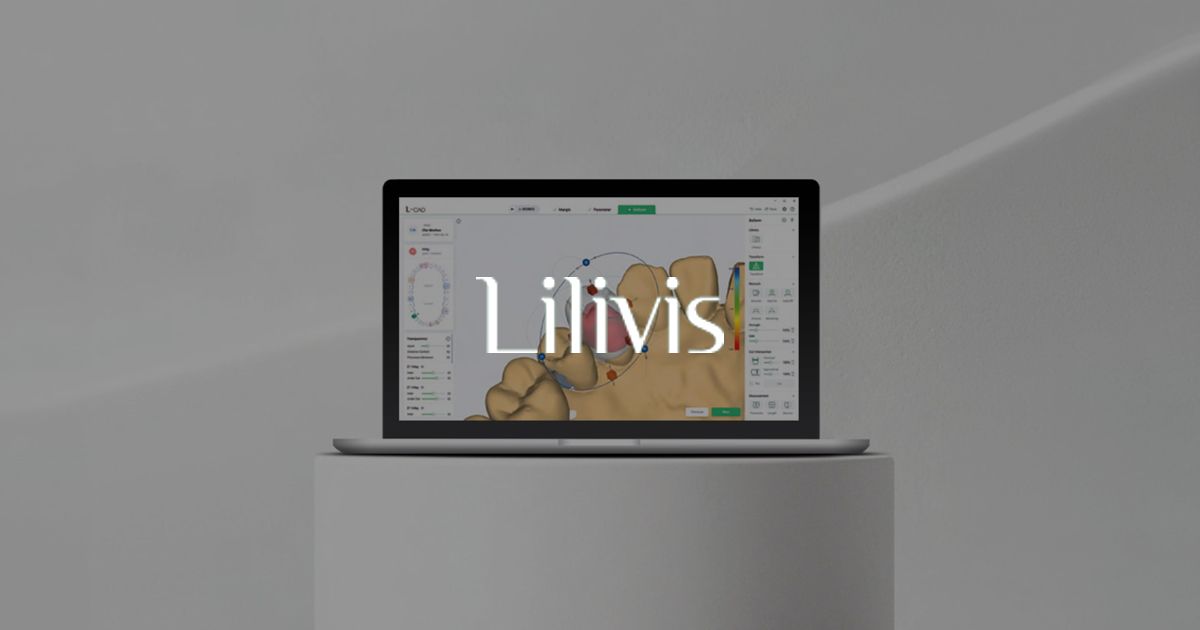
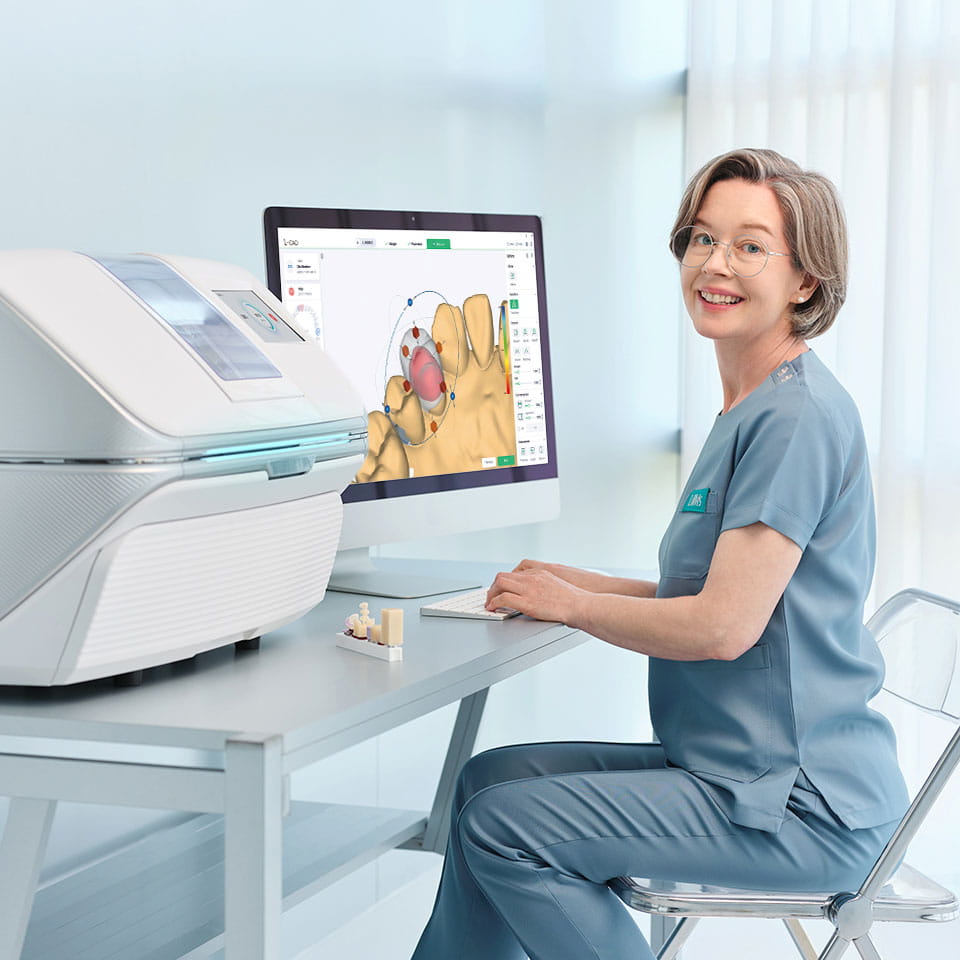
L-CAM delivers outstanding results with a short learning curve and user-friendly software.
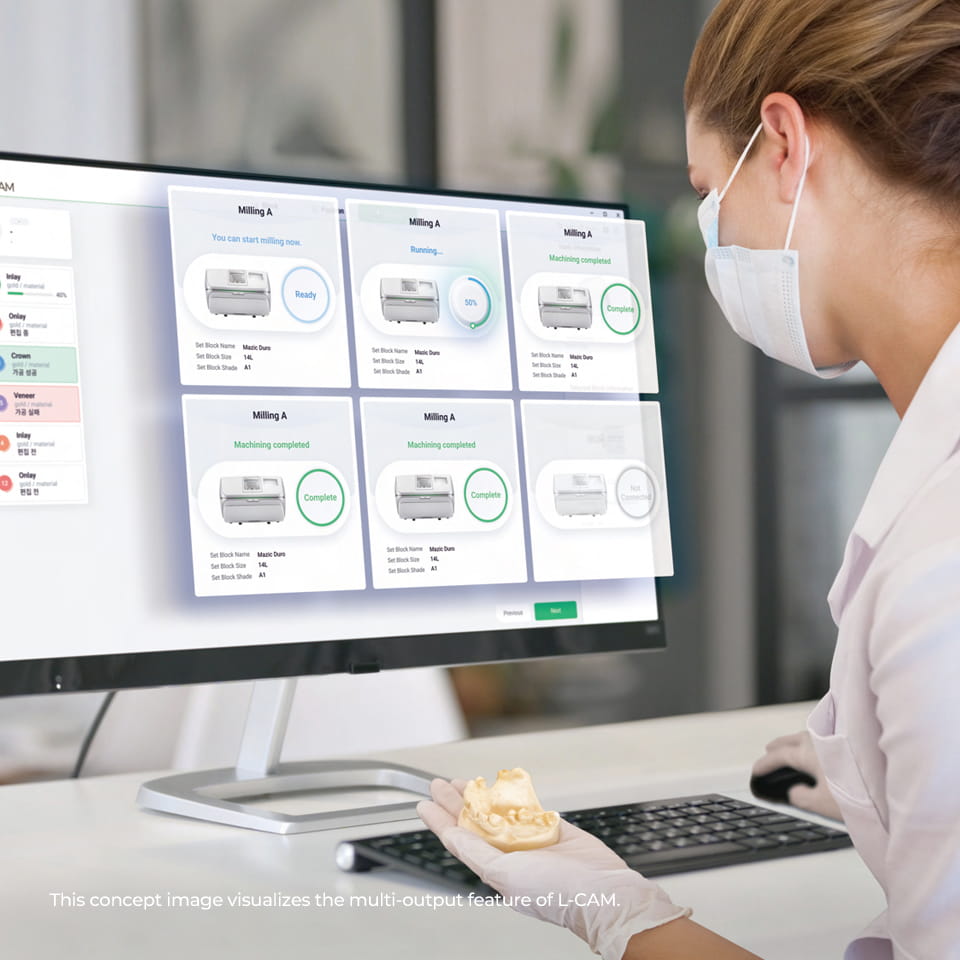
Maximizing Efficiency with Multi-Processing Technology, L-CAM
With a single PC, monitor and operate up to 6 devices, enhancing
efficiency with the multi-output feature.
CAM Simulation feature enables pre-verification of accuracy,
enhancing the quality of the final product.
Supports file formats used by other design software, including open STL files.
INTERFACE GUIDE

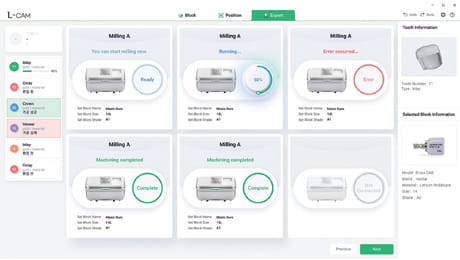
Real-time Milling Machine Status Monitoring
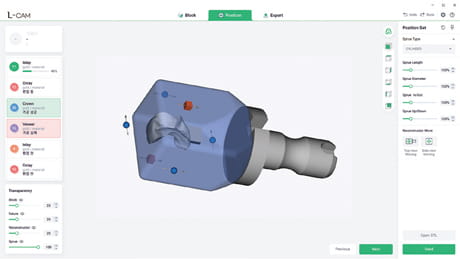
Automatic Positioning of Prosthetics
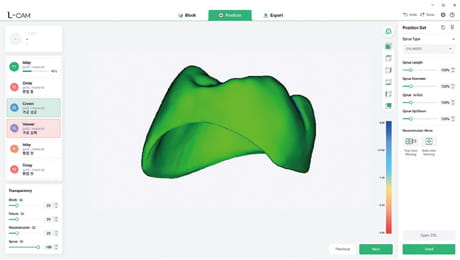
Simulation of the Final Product
TECHNICAL DATA
Minimum Specifications
OS
Windows 10 64-bit
CPU
Intel Core i5 or equivalent
RAM
8GB
GPU
Integrated graphics (VRAM 128MB)
Storage
256GB SSD
Resolution
Full HD (1920 x 1080)
Recommended Specifications
OS
Windows 10 64-bit or higher
CPU
Intel Core i7 or higher
RAM
16GB
GPU
NVIDIA Series (VRAM 6GB) or higher
Storage
512GB SSD or larger
Resolution
Full HD (1920 x 1080) or higher